Changing the Password for a User v2.0
This can be done via pgAdmin III.
- Open pgAdmin III and connect to PostgreSQL as an Admin user.
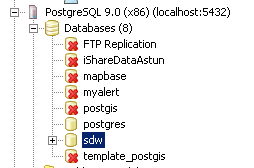
- Click on the node for your Spatial Data Warehouse database (sdw) in the tree view.
- Click on the SQL button
 and launch the query window.
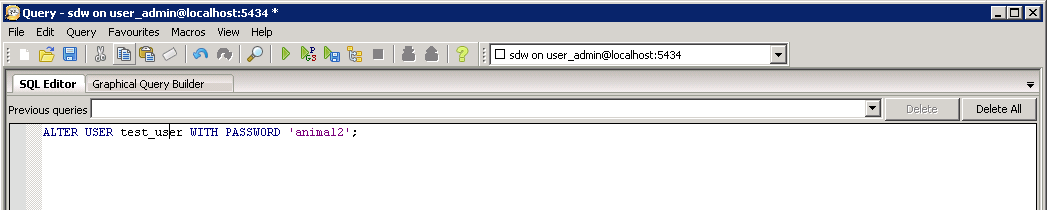
 Enter the following command in the SQL Editor.
ALTER USER "user" WITH PASSWORD 'password';
e.g.
- Click on the green arrow

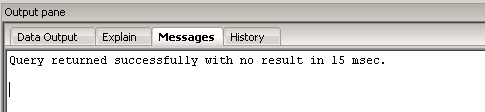
You should see a message like this in the Output pane (the number of msec may be different).